
Capture
Start with a global shortcut. Select exactly what you need and keep desktop context when you choose to.
Designed for macOS
Keep useful information within reach. Capture your screen, pin references, copy text, and find past screenshots by what you remember.
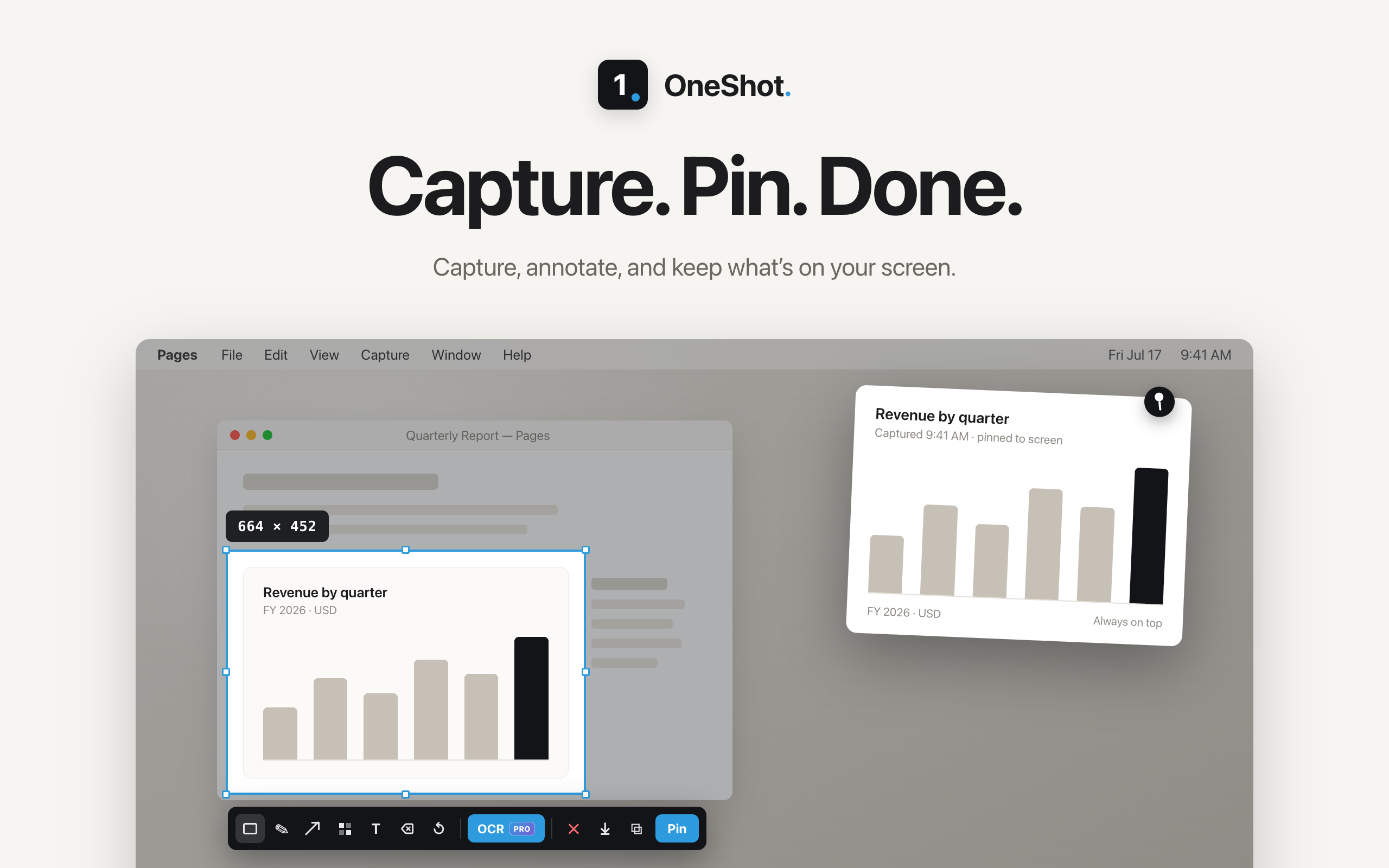
Turn screenshots into a useful part of your everyday workflow.
Start with a global shortcut. Select exactly what you need and keep desktop context when you choose to.
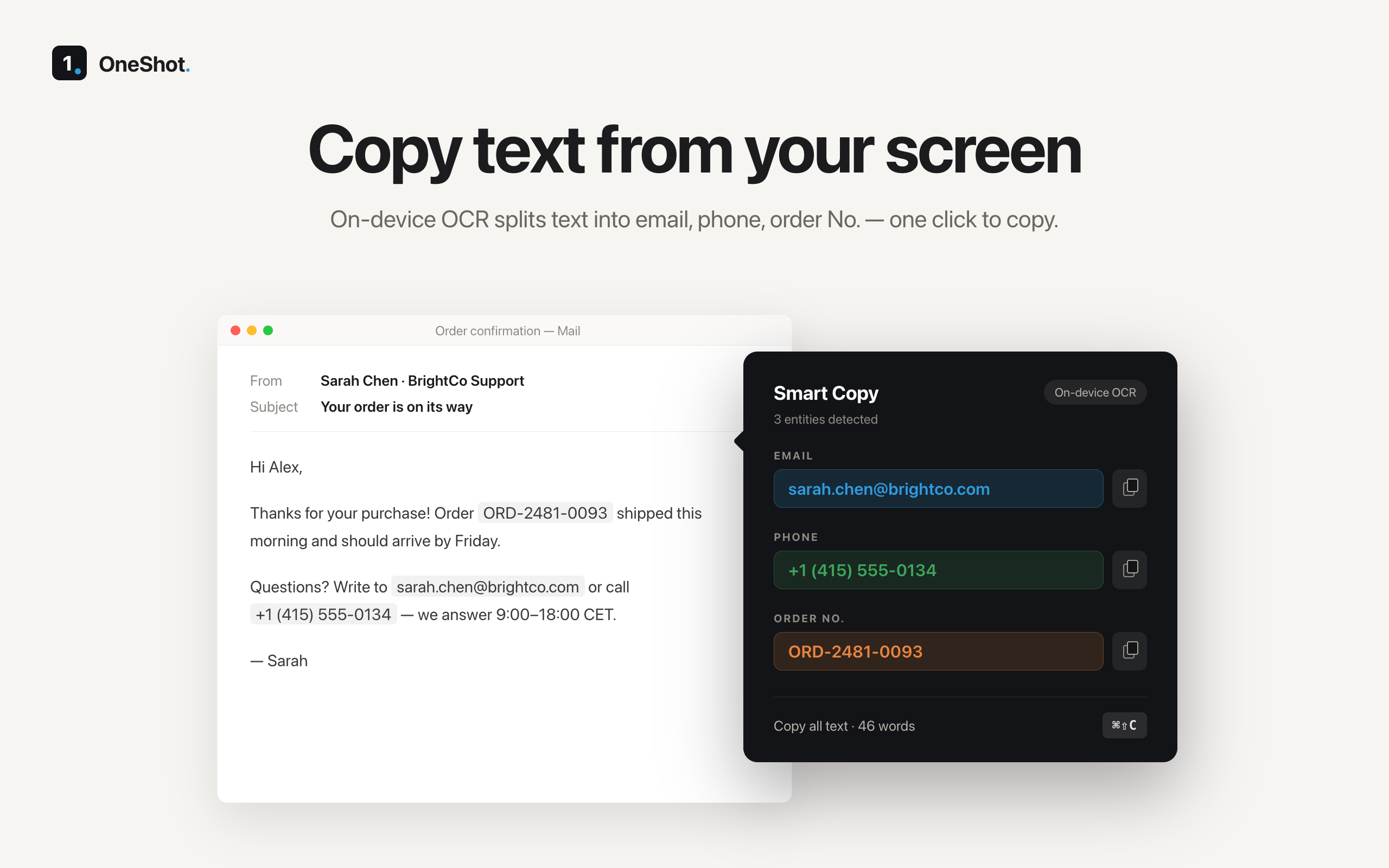
Recognize text on your Mac and copy useful items such as email addresses, phone numbers, order IDs, and dates.
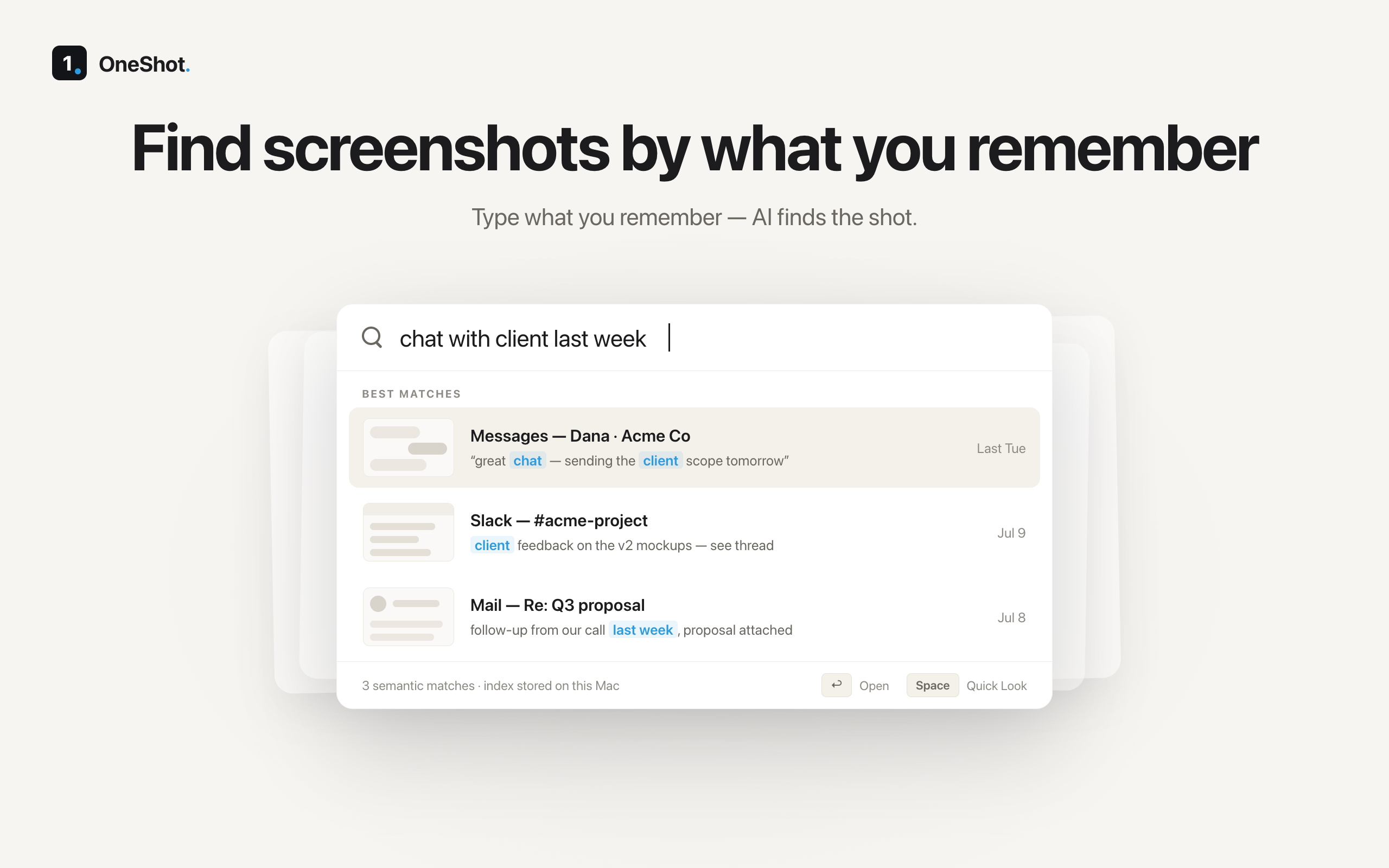
Forget the filename. Search your screenshot library using what you remember about the image.
On-device OCR recognizes text. Smart Copy organizes common items into chunks you can click to copy.
Your captures, OCR text, tags, and summaries stay together in a local library. When you choose cloud AI features, only the content needed for those requests is sent to the selected service.
OneShot Pro
Eligible accounts receive a one-time, full-featured 7-day trial after their first Sign in with Apple. No subscription is required to start, and the trial will not charge you automatically. When it ends, choose a monthly or yearly plan if you want to keep using Pro.
Local prices are shown in the App Store for your country or region. A subscription starts when you confirm your purchase and renews automatically unless you cancel through Apple at least 24 hours before the current billing period ends.